Oct 29, 2026
Hybrid working: how to keep everyone connected when the office is half empty
Hybrid working is the norm, but how do you keep everyone engaged? Learn how to turn the office into a meeting place and use screens to build connection.

On Mondays and Fridays the office is quiet; on Tuesdays you struggle to find a desk. Sound familiar? Hybrid working has become the standard for many organizations. Employees split their week between home and the office. That offers freedom, but it also makes it harder to keep everyone informed and engaged. In this article you'll read what hybrid working demands of your office and your communication, and how screens can help.
What is hybrid working?
Hybrid working means employees work part of the week at the office and part remotely, usually from home. How that split looks differs per organization. Some companies agree on fixed office days; others let teams decide for themselves.
This changes what the office is for. Where you used to go to the office to work, you now go there mainly to meet, collaborate and catch up. The office becomes a meeting place.
The challenges of hybrid working
- Information doesn't reach everyone: those working from home miss the chat at the coffee machine.
- Colleagues see each other less often, which weakens the bond with the team.
- It's unclear who is in the office on which day.
- Rooms and desks are used unevenly: crowded on Tuesday, empty on Friday.
- New employees have fewer opportunities to get to know the organization.
Email and chat only partly solve this. Messages get lost among dozens of other notifications, and they rarely create a real sense of connection.
The office as a meeting place
If people come to the office mainly to see each other, the office should be set up for that. Think of more meeting spots, a pleasant canteen and clear information about what's happening that day. Visibility matters: what's going on, who is in and where can you go?
How screens help with hybrid working
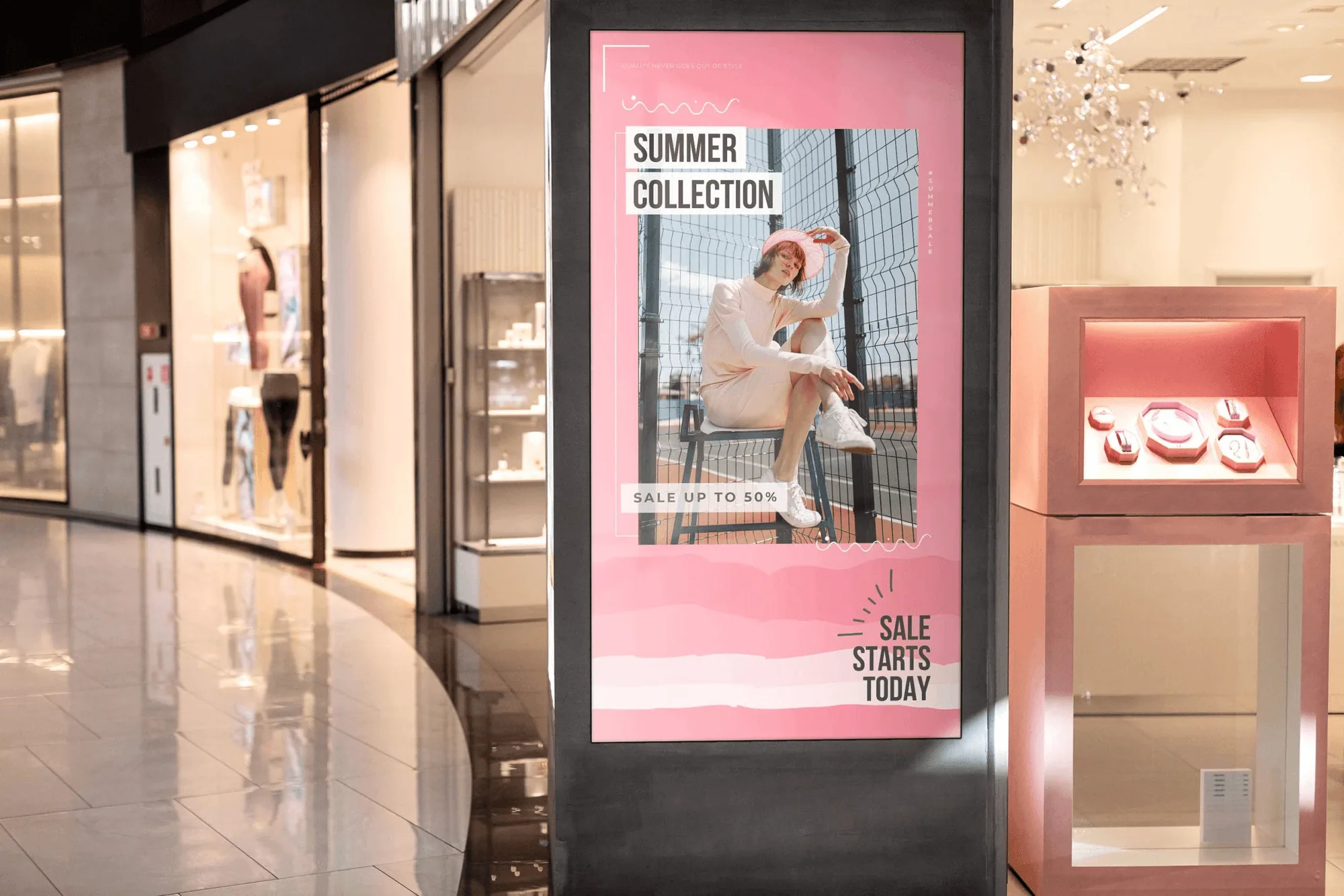
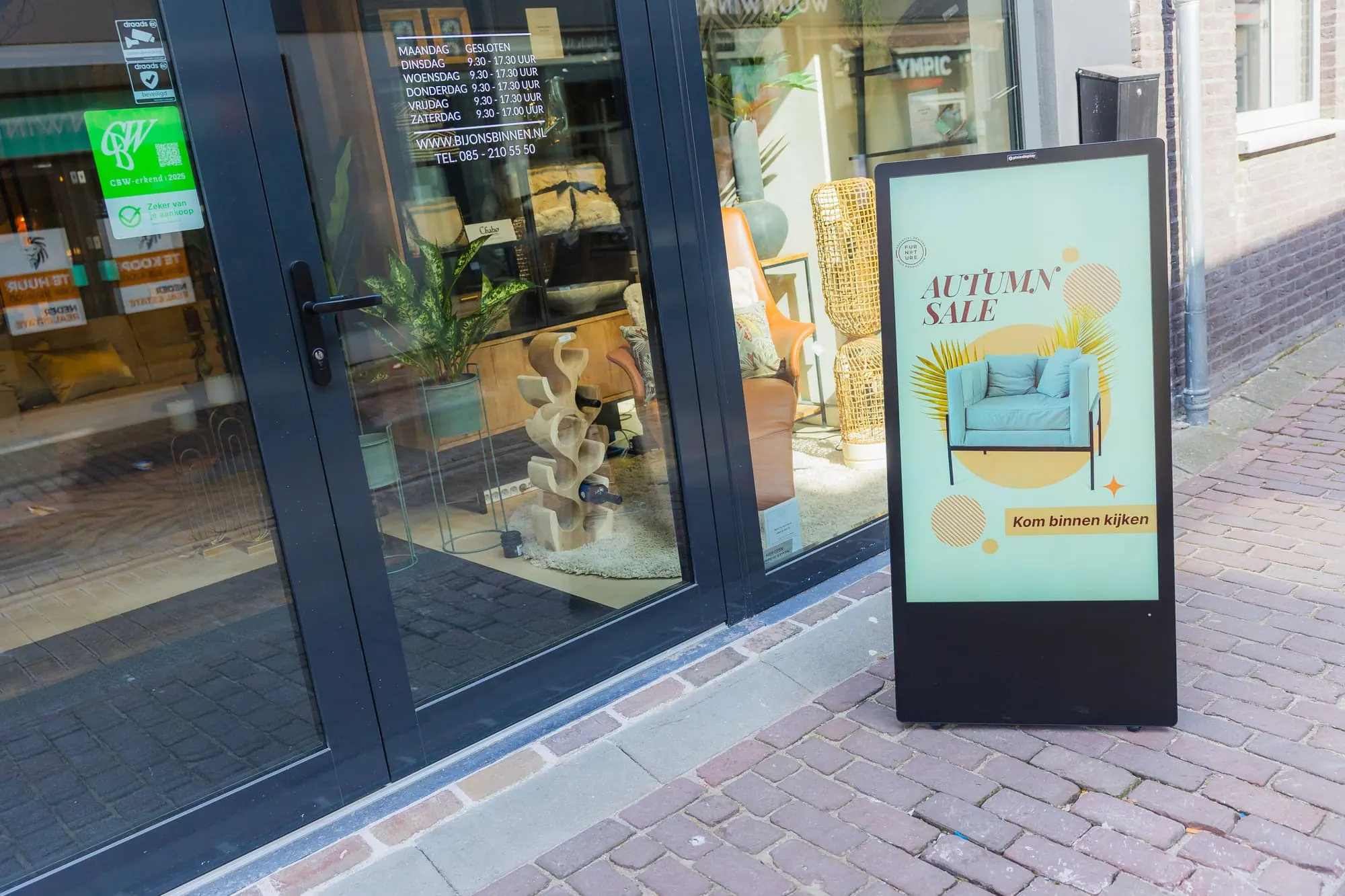
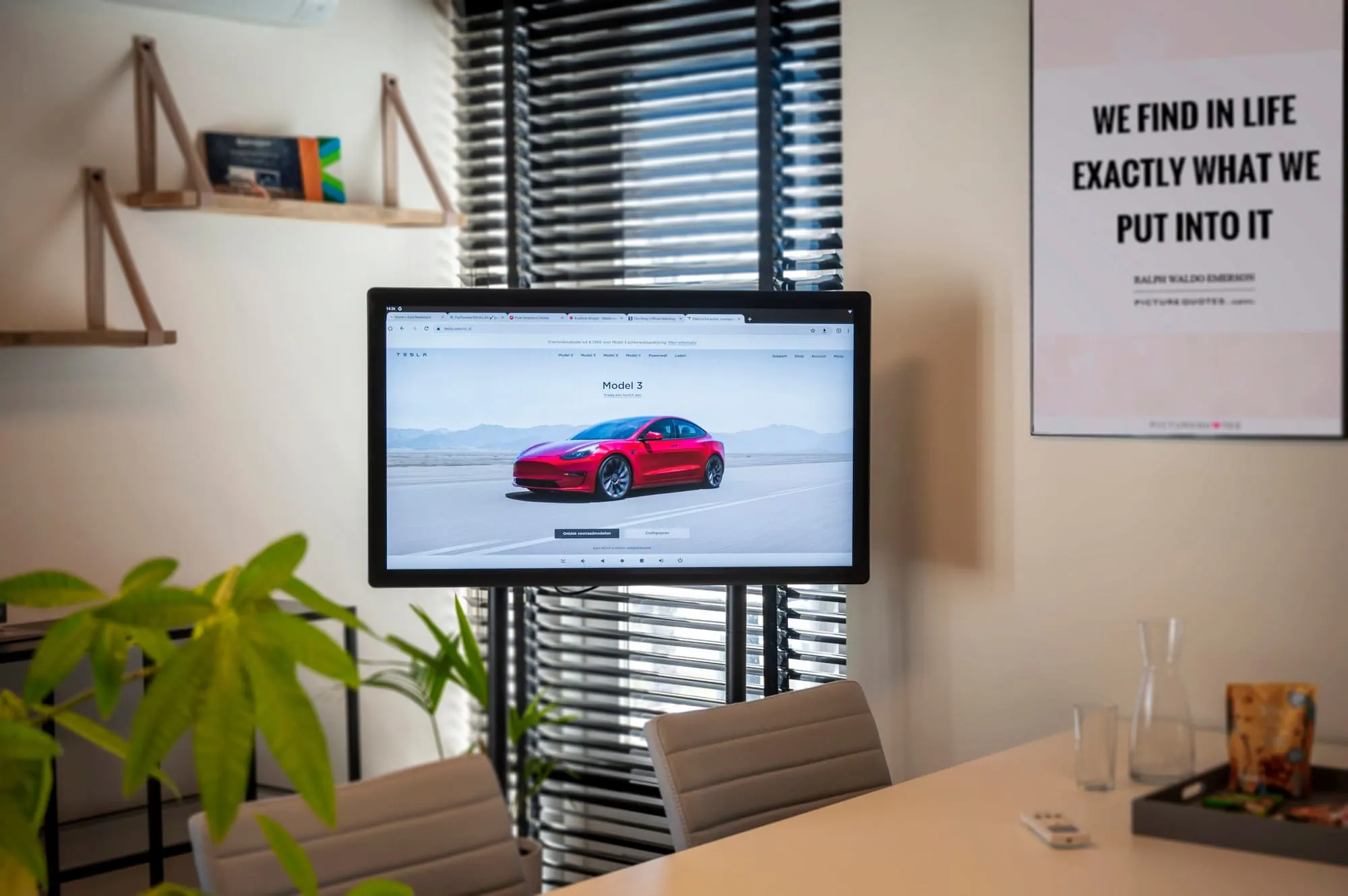
Screens in the office are a handy tool for hybrid working. They reach everyone who walks in, without anyone having to open a message. A few examples:
Who's in today?
Show which teams or colleagues are in the office that day, or which days teams have agreed on. That way you know right away who you can drop in on.
Calendar and activities
Show which meetings, lunches, training sessions or drinks are coming up. With a Google Calendar integration the calendar appears on the screen automatically.
Company news and successes
Share new customers, goals achieved, work anniversaries and birthdays. Precisely because you see each other less, such messages make all the difference to the team spirit.
Figures and goals
A dashboard with live KPIs, for example from Power BI, shows where the team stands. That creates a shared goal, even when everyone works on different days.
A welcome for visitors and new colleagues
A welcome message at the reception or in the lobby makes visitors and new employees feel expected right away.
Communication tips for hybrid working
- Agree on fixed team days, so colleagues actually meet each other.
- Repeat important messages across several channels: email, intranet and screens.
- Keep messages on screens short and visual; people are walking past.
- Plan content ahead with a daily and weekly schedule, so busy office days show different information than quiet days.
- Ask for feedback regularly: what do colleagues who often work from home miss?
Read more about screens for internal communication on our use cases page.
Making the most of hybrid working
Hybrid working has many benefits: less commuting, more focus at home and often a better work-life balance. The trick is to make the days at the office as valuable as possible. Good information in the right place helps with that. Whoever walks in immediately sees what's going on and feels part of the whole.
Frequently asked questions about hybrid working
What exactly does hybrid working mean?
Hybrid working means you work part of your hours at the office and part remotely. There is no fixed ratio; every organization makes its own arrangements.
Do you still need screens in the office with hybrid working?
More than ever. Because colleagues are in on different days, screens help bring everyone who walks in up to speed quickly.
How do I keep remote workers informed?
Screens mainly reach those who are in the office. So also share important messages via email or the intranet, and use the screens to give extra attention to what's going on during office days.
What should I show on a screen in the canteen?
Think of the menu of the day, birthdays, news, the week's calendar and a short update on team goals. Change it regularly so the screen stays interesting.
How many screens do you need?
Start with one screen in a spot everyone passes, such as the entrance or the canteen. Expand once you see it works.
Turn your office into a place where people catch up
Want to use screens to make sure everyone in the office knows what's going on? Try Stremo free for 14 days. You don't need a credit card.