




"We show our Power BI dashboards live at the office. The team sees the KPIs in real time, exactly as we wanted — and setup was done in no time."
 Daan SmitOperations, LogiPro
From your Instagram feed to your Power BI dashboard: with Stremo's integrations your content stays automatically and always up to date on your screens. Setup takes just a few minutes.

Your best reviews on screen automatically.
IYour latest posts live automatically.
GCalendars on your screen in real time.
GShow data from your spreadsheet.
PDashboards and KPIs in real time.
RNews and feeds automatically.
SPosts from all your channels live.
RShow your best ratings.
ASchedules and appointments on screen.
DFigures and reports in real time.
NCurrent news and weather.
HShow menus and daily specials.
VTravel and departure times live.
EYour own images and videos.
CShow your Canva designs instantly.
PPresentations on the TV without a laptop.
YVideos automatically in your playlist.
FYour Figma designs on screen.
AShow your PDFs automatically.
WA web page live on screen.
GYour photos on screen automatically.
WMessages and updates on your screen.
LCompany updates, internal and external.
MInternal communications on every screen.
SYour Slack updates live on screen.
DYour Discord messages on screen.
XYour latest X posts automatically.
TYour Trello boards on screen.
MYour schedule on screen in real time.
CYour tasks and projects on screen.
ZYour projects live automatically.
SYour sales figures in real time.
HYour marketing metrics on screen.
EYour figures on screen automatically.
TYour dashboards on screen in real time.
DShow your files automatically.
SYour documents on screen.
BThe weather live on your screen.
KThe time always on screen.
WMultiple time zones side by side.
WYour Wi-Fi details via QR code.
NThe latest news automatically.
NTravel and departure times live.
VLive travel times on screen.
We're happy to help design a custom integration with your systems.
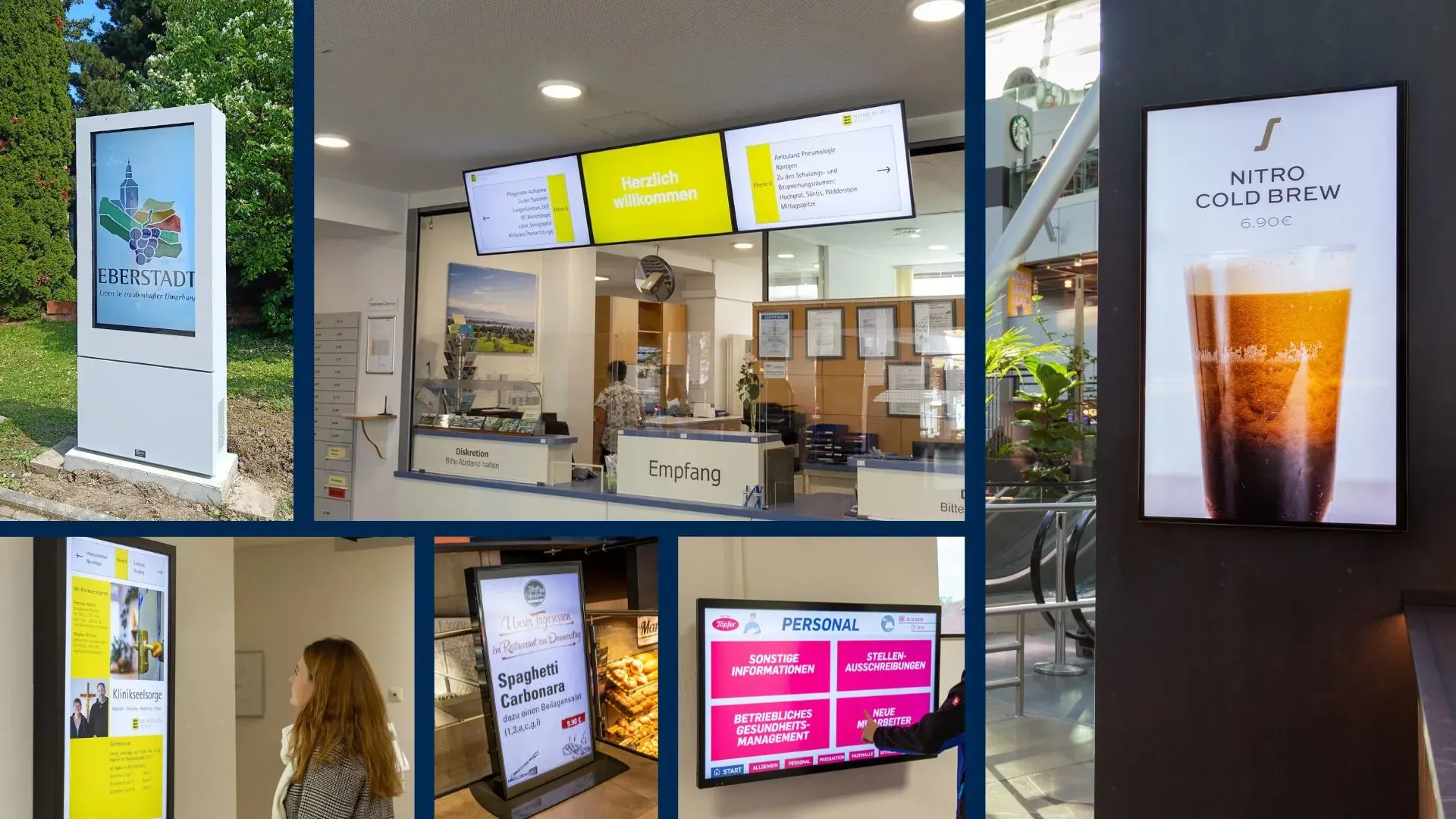
From social feeds to dashboards: customers keep their existing tools running automatically on their screens.
"We show our Power BI dashboards live at the office. The team sees the KPIs in real time, exactly as we wanted — and setup was done in no time."
Daan SmitOperations, LogiPro"Our Instagram feed now runs automatically in the waiting room. New posts show up right away, without us having to do anything."
 Lisa KosterMarketing, Kliniek Zonneveld
"Great that all integrations are simply included. We now combine YouTube, calendar, and the weather on one screen."
 Peter VisserFacilities, Sportcentrum De Hal
"The Google Reviews integration puts our best reviews on screen automatically. Customers see right away that we score well."
 Nadia AhmadiOwner, Kapsalon Nova
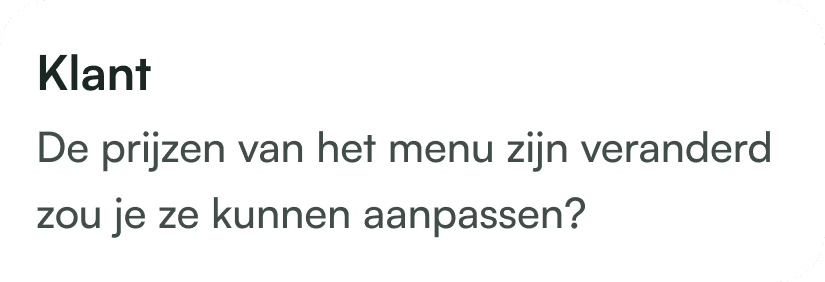
"We manage our prices in Google Sheets. Update one file and all the screens are correct again — no more double work."
 Bram HendriksManager, Cafetaria Centraal
"Thanks to the RSS integration, current news items appear on the screen automatically. Our waiting room is never boring anymore."
 Erik MolenaarPractice manager, Huisartsen Vestersteeg
"Our calendar and schedule appear on the screens in real time. Staff can see at a glance what's happening that day."
 Rick VermeerOffice manager, TechNova
"The social media integration keeps our feed up to date automatically. Visitors always see our latest content go by."
 Youssef BakkaliOwner, Barbershop Legacy
"We run YouTube videos in the showroom. The integration refreshes on its own, so there's always fresh content."
Martijn de GrootSales manager, AutoPlaza"Weather and traffic info show up automatically on our screen at the entrance. Handy for everyone coming in and heading out."
Sander KuijpersLocation manager, Sporthal De Kamp
Our narrowcasting software is always tailored, so we deliver a solution that fits your needs. All prices exclude hardware.
For businesses that want a simple start with narrowcasting.
Features
For businesses that want to get the most out of their narrowcasting.
Basic plan plus
More options and flexibility for your narrowcasting environment.
Plus plan plus
Didn't find your answer? Our team is happy to help.

Get started today
Discover how easy narrowcasting can be. Stremo helps businesses make information visible. Without the hassle.




Download the free Stremo brochure with real-world examples, all the possibilities, and a clear pricing overview.