




"Within an afternoon our first slide was on the screen. The templates are a huge time-saver and everything stays neatly in our branding."
 Sander MeijerMarketing, De Boshoeve
Show your Zenkit projects and lists on your screens. Make planning and progress visible to your whole team, always up to date.
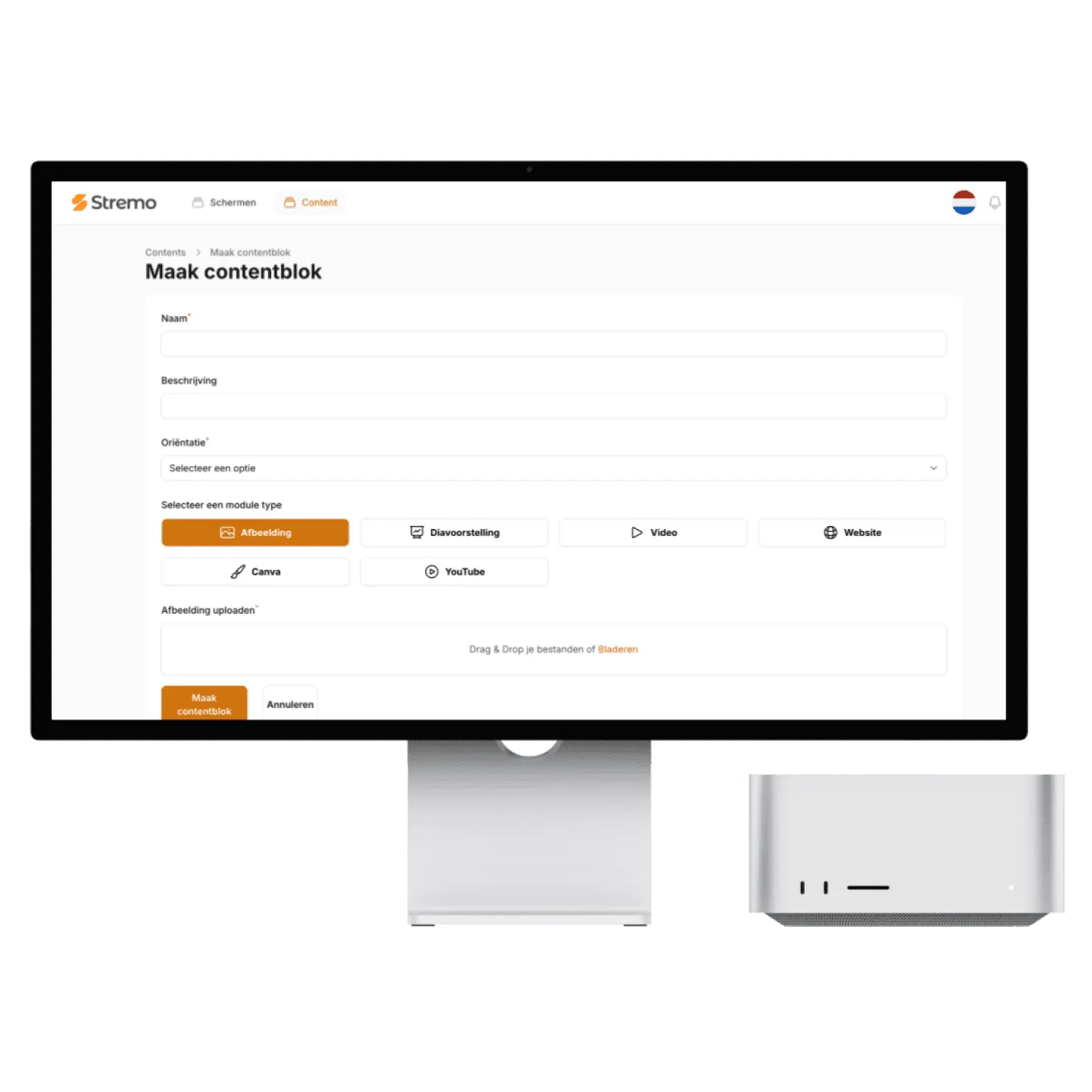

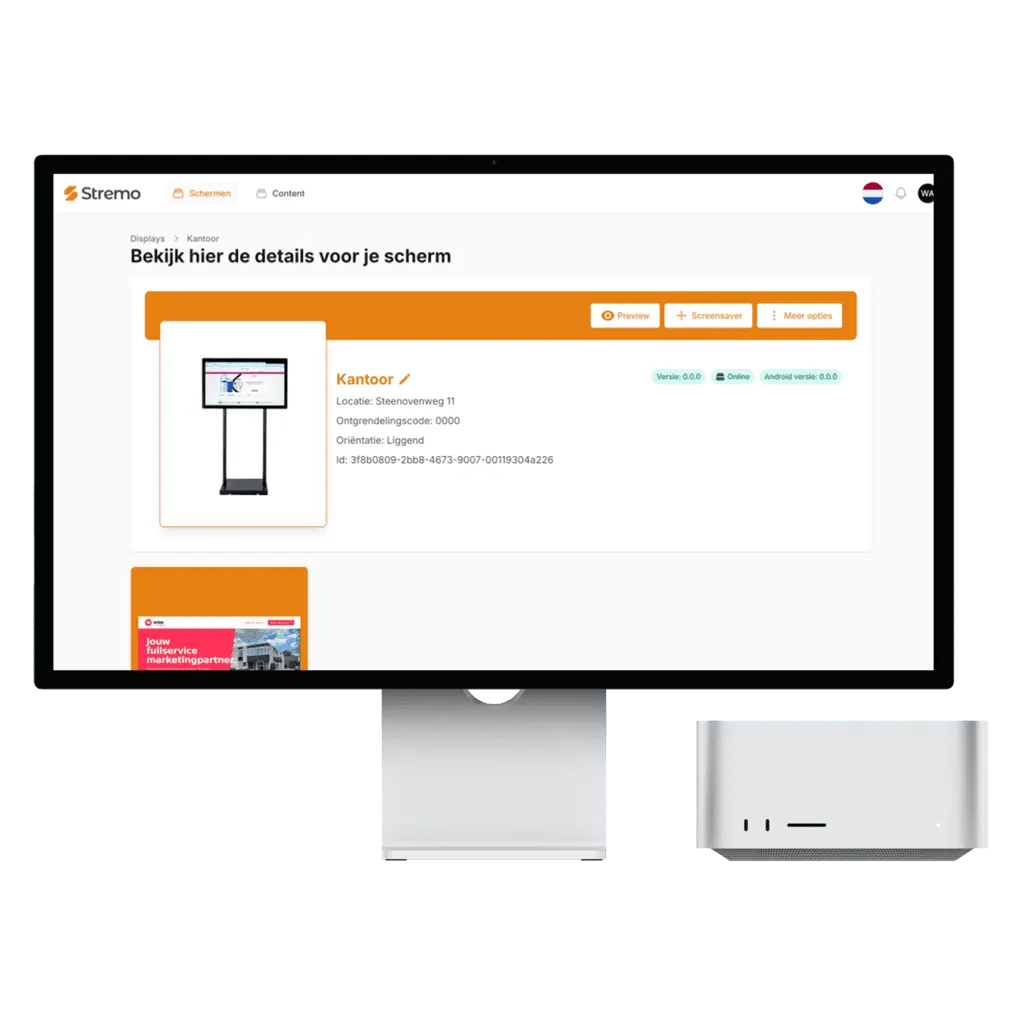
The Zenkit integration is a content block like any other in Stremo: you decide where, when, and how often your projects appear.
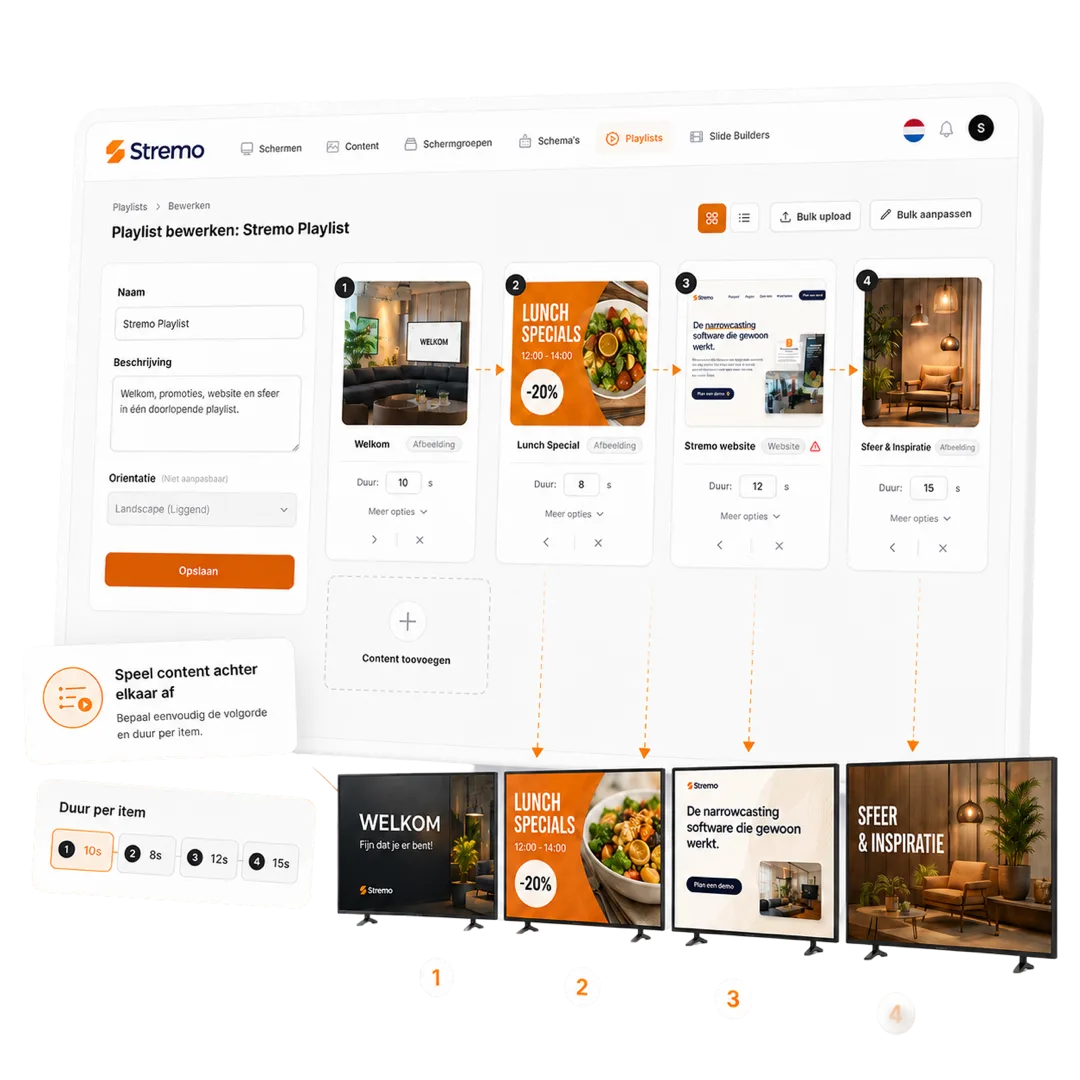
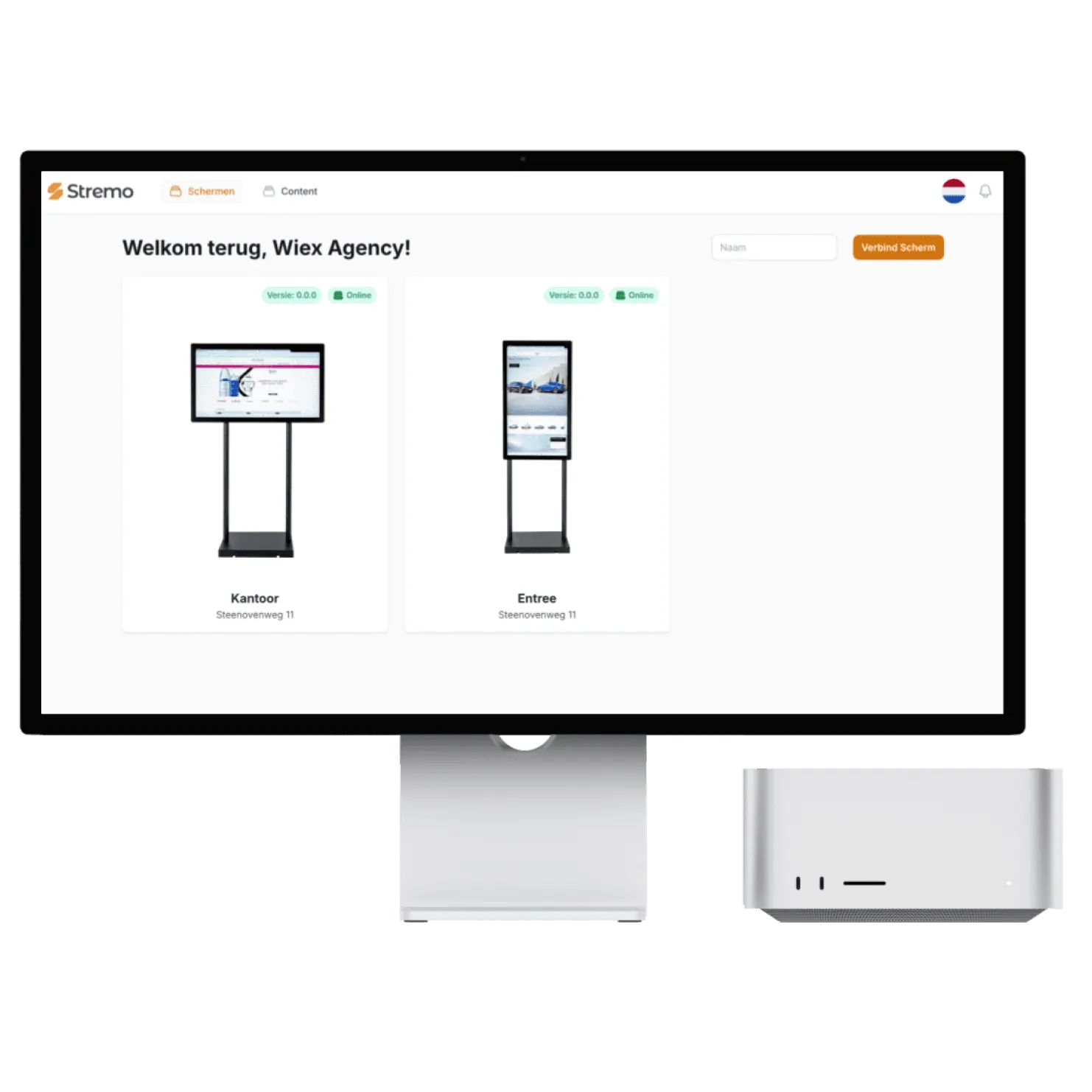
You connect your Zenkit collection once. From then on, new content is fetched automatically and shown on your screens — without you having to update a thing.
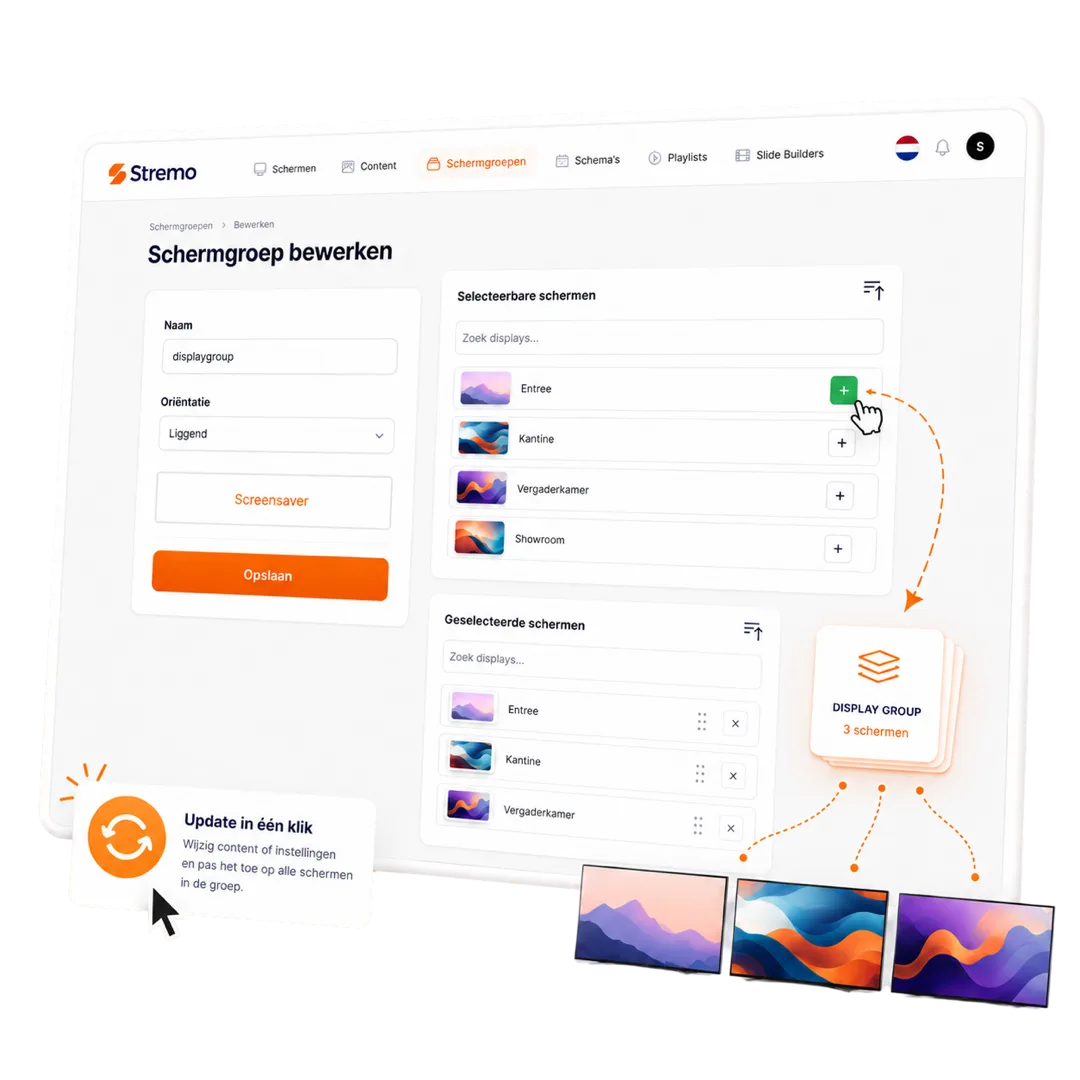
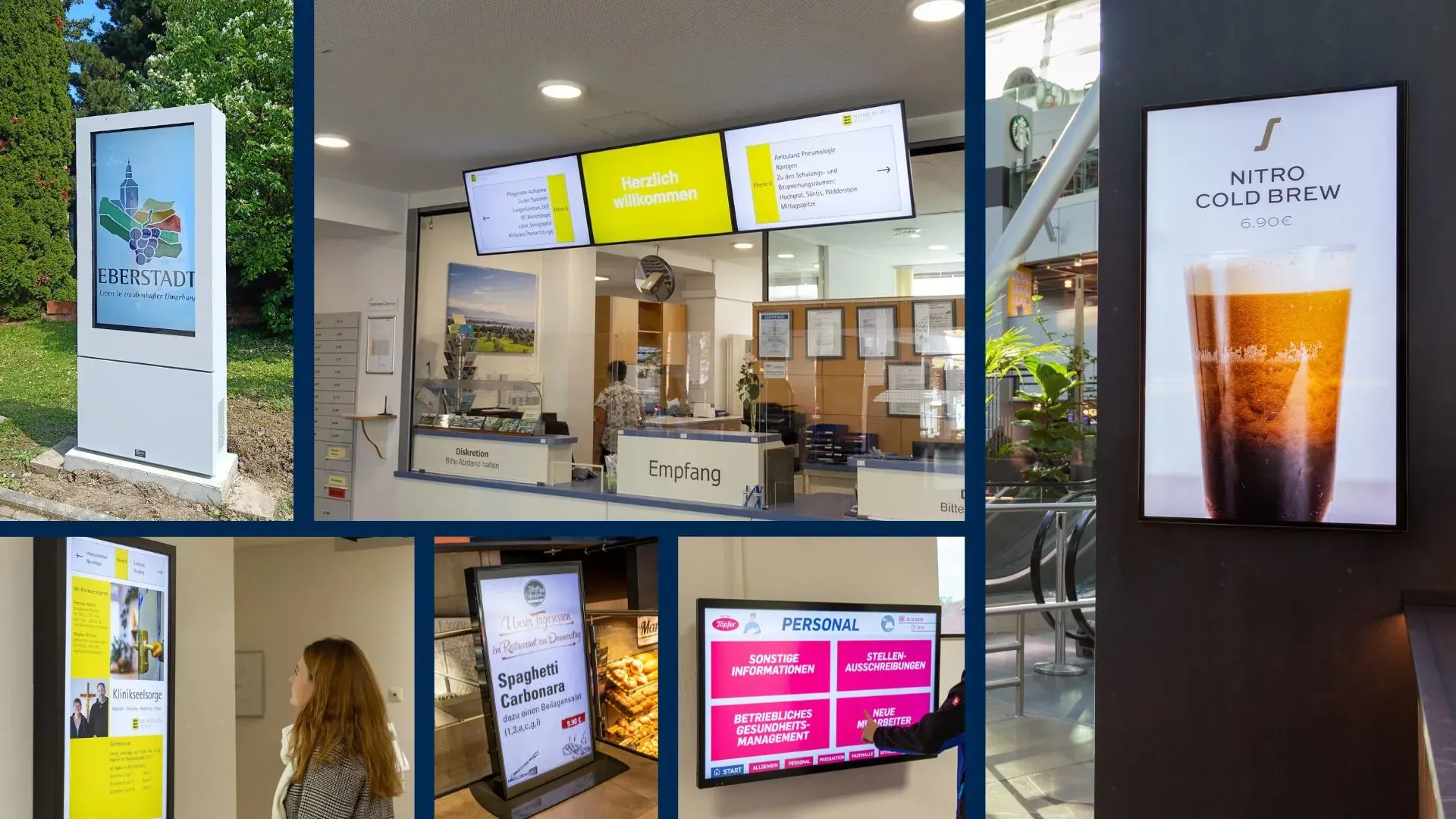
Show your projects in landscape or portrait on any TV with HDMI. Via our smart TV app or Stremo Player your content is live within minutes — and keeps running, even if the internet drops for a moment.
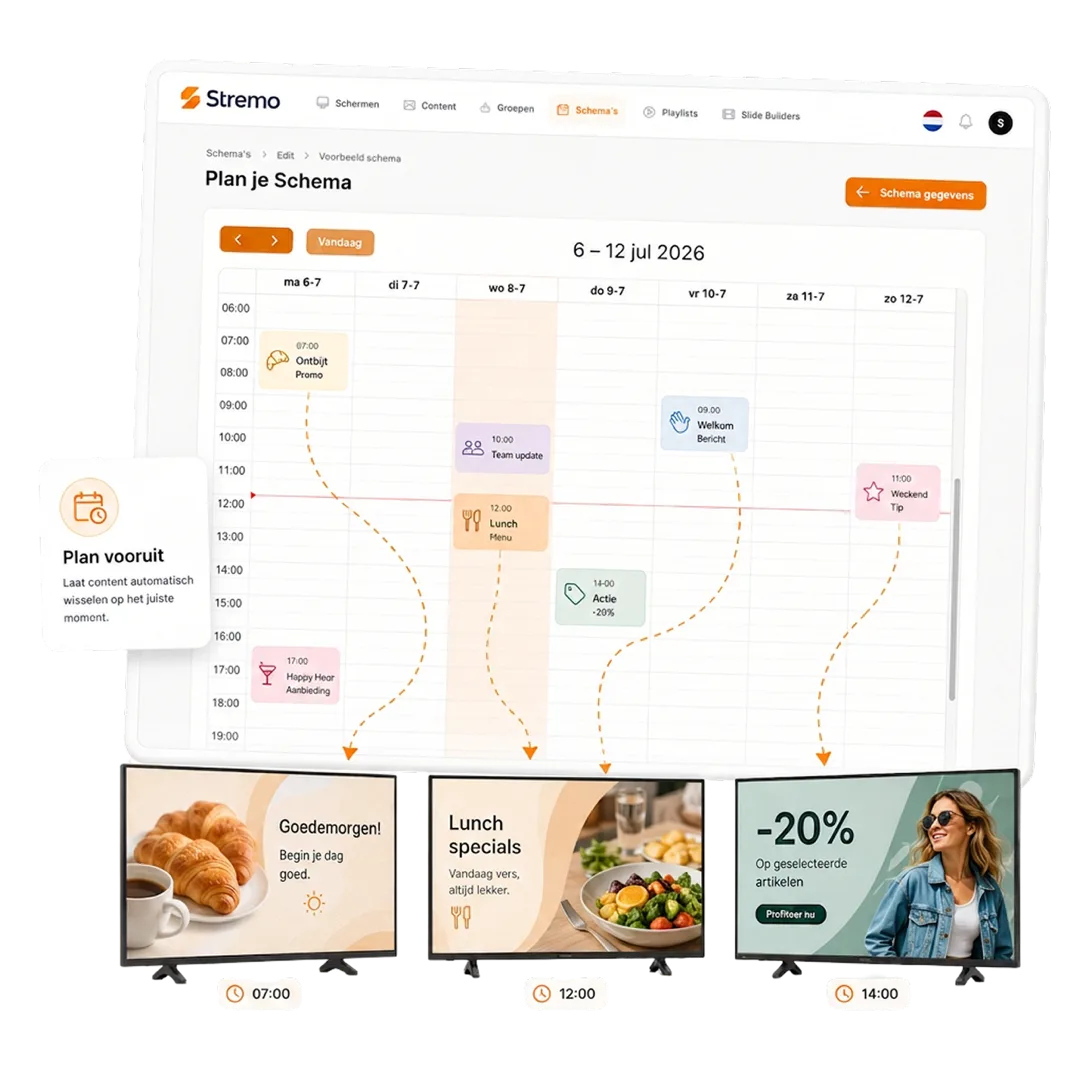
From small to large: businesses have their projects run automatically on their screens.
"Within an afternoon our first slide was on the screen. The templates are a huge time-saver and everything stays neatly in our branding."
Sander MeijerMarketing, De Boshoeve"I had no design experience at all, but the drag-and-drop is self-explanatory. We now update our offers ourselves every day."
 Rianne VermeulenOwner, Café Central
"The real-time widgets are worth their weight in gold. The weather and our social feed stay automatically up to date on every screen in the place."
 Jesse BakkerOperations, FitClub Noord
"Great that we could reuse our existing Canva designs. That way we didn't have to start over and were live quickly."
 Tom de KoningCommunications, Gemeente Velp
"With the playlists our content runs in exactly the right order. I set it once and never have to think about it again."
 Nina GrootMarketing, Wellnessresort Duinzicht
"Thanks to the user roles, each location can manage its own screen while we keep central oversight. Ideal."
 Bas WillemseIT management, RetailPunt
"With the monitoring I see right away when a screen goes offline. Before, I'd only find out far too late."
 Arjen de WitFacilities, Onderwijsgroep Zuid
"All our photos and videos are neatly organized in the media library. Finding and reusing them is no effort at all now."
 Ramon SilvaContent, Sporthal De Kamp
"Scheduling content by time of day works just like a calendar. Something different in the morning than in the afternoon, fully automatic."
Ivo JansenManager, Grand Hotel Central"The integrations with our existing tools saved us an enormous amount of work. Everything talks to each other without any hassle."
Jeroen MaasDirector, Bouwbedrijf Terra
Our narrowcasting software is always tailored, so we deliver a solution that fits your needs. All prices exclude hardware.
For businesses that want a simple start with narrowcasting.
Features
For businesses that want to get the most out of their narrowcasting.
Basic plan plus
More options and flexibility for your narrowcasting environment.
Plus plan plus
Didn't find your answer? Our team is happy to help.
Get started today
Discover how easy narrowcasting can be. Stremo helps businesses make information visible. Without the hassle.




Download the free Stremo brochure with real-world examples, all the possibilities, and a clear pricing overview.