Oct 1, 2026
Narrowcasting for real estate agents: your listings in the window 24/7
Narrowcasting for real estate agents: show your property listings in the window 24/7. Discover how digital window display screens drive more foot traffic and leads.
A shop window is worth its weight in gold for a real estate agent: everyone who walks past takes a quick look at the listings. Yet it often still holds paper cards that fade and quickly go out of date. With narrowcasting for real estate agents you turn your shop window into a digital, always up-to-date display. In this blog you'll read how it works and what it delivers.
What is narrowcasting for real estate agents?
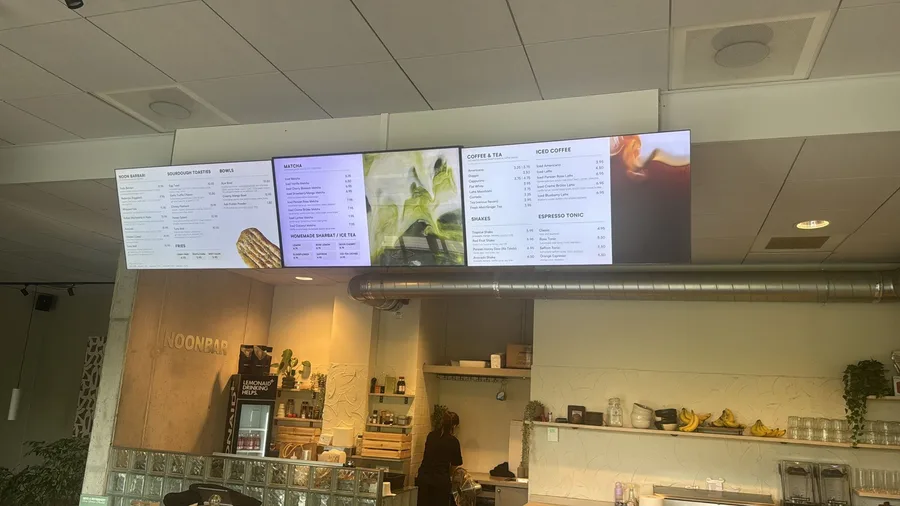
Narrowcasting is the display of digital content on one or more screens, managed centrally from your browser. For real estate agents this means: one or more screens in the window (and possibly inside at the front desk) that show your property listings. You replace the paper cards with a dynamic screen that you update from your computer, or that updates itself through an integration with your listings. This way you show far more properties in the same window space than with separate cards, and you rotate them automatically. The screen also keeps working when the office is closed, exactly when many people walk past the window.
Why a digital window display screen works
A digital window display does something paper can't:
- Visible 24/7: even in the evening and on weekends you attract viewers and generate interest outside opening hours.
- Grabs attention: motion and imagery stand out more than a static card and hold passersby's attention.
- Always up to date: new listings, 'sale pending,' or a price change appear on it instantly.
- Professional look: a sleek, digital screen strengthens your brand and radiates craftsmanship.
What do you show on your real estate screen?
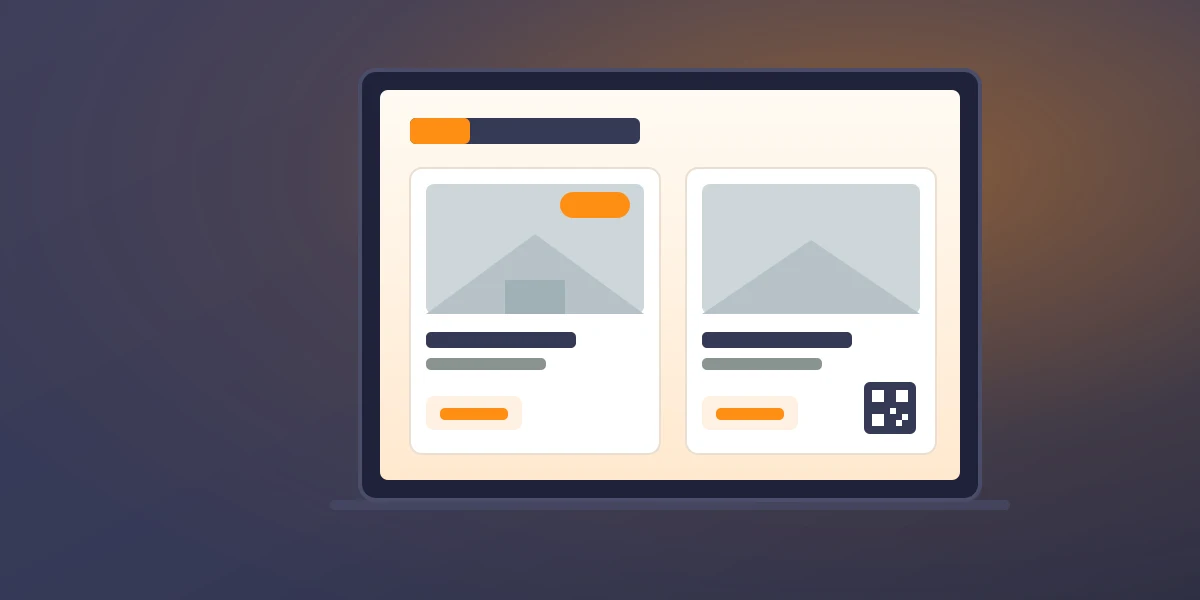
- Current listings: photos, asking price, floor area, and location of your properties.
- Status updates: 'new,' 'open house,' or 'sold' to show momentum and success.
- QR codes: let passersby click straight through to the property on your website or Funda.
- Video and tours: short walkthroughs that bring a property to life.
- Reviews and your team: satisfied clients and faces that inspire trust.
Always up to date thanks to integrations
The best part is that it takes hardly any effort. By connecting your screen to your listings or website, new listings appear on the screen automatically and a sold property disappears on its own. This keeps your window always up to date, without having to replace cards by hand. That not only saves time, it also prevents an already-sold property from lingering in the window for weeks. Integrations with, for example, reviews or your social media are also possible to keep your screen lively and personal.
What to watch out for?
A few practical points to consider for a window display screen:
- Brightness: a window display screen often sits in bright light; choose a screen bright enough to stay readable even in sunlight.
- Operating time: if your screen runs all day (and evening), a professional display built for long-term use is a wise choice.
- Orientation: decide whether you want landscape or portrait orientation; portrait often suits property cards nicely.
- Internet: make sure you have a stable connection so updates come through reliably.
How to get started
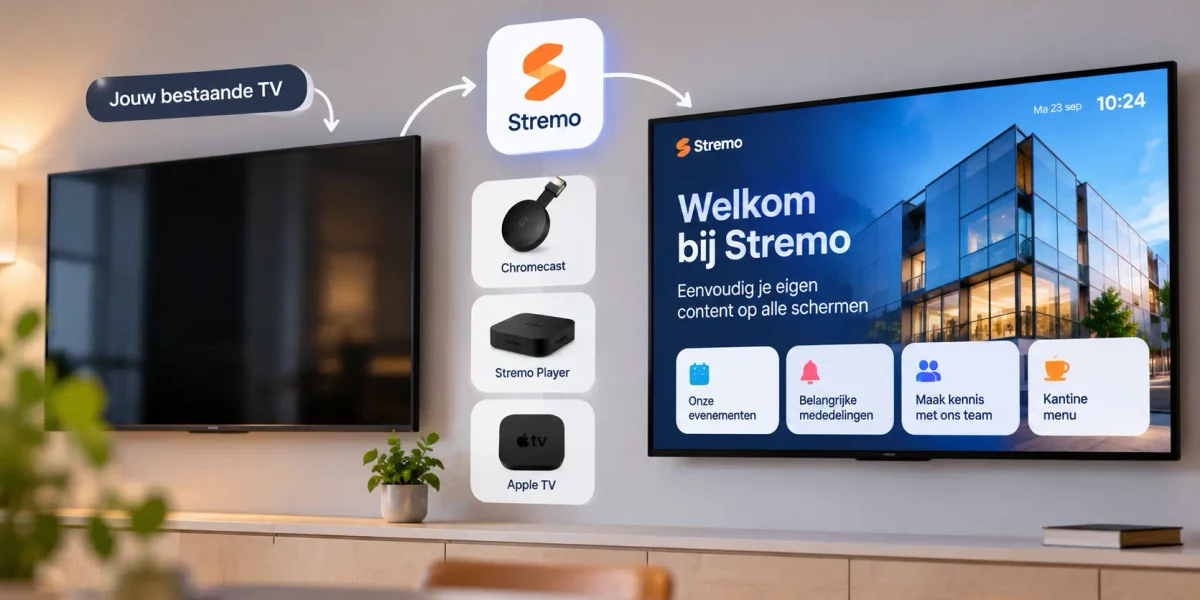
Getting started is easier than you think. You connect a suitable screen via an app or a small player, set up your property listings, and publish. Your changes appear on the screen within seconds, and you manage everything from your browser, even if you have multiple offices. Feel free to start with a single window display screen to experience how much attention it draws, then expand to multiple screens or locations. That way you can test risk-free whether a digital window display suits your office.
Where to place your screens: the window and inside
The window is the most obvious spot, but you get more out of narrowcasting when you look further. A few options:
- In the window: facing the street, to attract passersby, even outside opening hours.
- At the front desk or waiting area: show listings, reviews, and your team while clients wait for an appointment.
- In the meeting room: show a property or neighborhood information during a conversation.
Because you manage everything centrally, you decide what appears on each screen. So the window shows your newest listings, while the screen inside zooms in on the client sitting at the table at that moment.
What does narrowcasting for real estate agents cost?
The costs are often lower than expected, because you can start with modest means. Roughly reckon with these components:
- The screen: for a window that sits in the light all day, a bright, professional display is recommended; for a trial you can often use an existing screen to get started.
- The player: a Stremo Player costs $99 one-time ($149 with Ethernet), or you reuse a Chromecast.
- The software: a free starter version to try, or the Basic plan at $10 per month per screen; for multiple screens there's a Multi plan on request.
Measured against the attention you gain at your best location, your own shop window, that's a low barrier to getting started.
What does a window display screen deliver?
A digital window display screen is more than a nice sign: it's a sales channel that works around the clock. Passersby linger longer, scan a QR code for more information, and come in as a warm lead. You show more properties in the same space, rotate listings effortlessly, and project a modern, professional look. For a relatively small investment you increase your visibility at your best location: your own shop window.
Frequently asked questions
Can I show my property listings automatically?
Yes. By connecting your screen to your listings or website, new listings appear automatically and a sold property disappears on its own. This keeps your window always up to date with no manual work.
Do I need a special screen?
For a window that sits in the light all day, a bright, professional screen is recommended. For a trial you can often start with an existing screen and a small player, then scale up later.
Does it also work with multiple offices?
Absolutely. You manage all screens centrally from one environment and decide per location which listings appear, handy when each office shows its own region.
Will it really bring me more customers?
A digital window display stands out more and keeps working 24/7, including evenings and weekends when many people walk past your building. With a QR code you turn that attention straight into a visit to your website or an inquiry, generating leads outside office hours.
Conclusion
Narrowcasting turns your shop window into a digital, always up-to-date display that works for you day and night. You show more properties, keep your listings up to date automatically, and project a modern, professional look, right at your most visible spot. Start small with one window display screen and expand as soon as you notice how much attention it draws.